12 Church Management Mistakes That Are Quietly Draining Your Staff's Time and Energy

Running a church is one of the most rewarding callings in the world — and one of the most administratively demanding. Between coordinating volunteers, tracking attendance, managing giving records, scheduling events, and communicating with hundreds (or thousands) of members, church administrators and pastors often find themselves buried in tasks that have nothing to do with ministry.
The painful truth? Many of these time drains are self-inflicted. Not through laziness or incompetence, but through outdated habits, fragmented systems, and a reluctance to change processes that "have always worked." The result is staff burnout, missed follow-ups, frustrated volunteers, and a congregation that feels less connected than it should.
In this article, we'll walk through 12 of the most common church management mistakes that quietly steal hours from your team every week — and show you how to fix them before they cost you your best people.
1. Using Spreadsheets as Your Primary Database
Spreadsheets were never designed to manage a living, breathing congregation. Yet thousands of churches still rely on Excel or Google Sheets to track member information, attendance, giving history, and volunteer assignments.
The problem isn't that spreadsheets are bad tools — it's that they don't scale, don't sync in real time, and don't alert you when something falls through the cracks. When three staff members are editing the same file, version conflicts are inevitable. When a member moves or changes their phone number, that update rarely makes it into every relevant sheet.
The fix: Migrate to a purpose-built church management system (ChMS) that centralizes all member data in one place. A good ChMS gives every staff member a single source of truth, with role-based access so the right people see the right information.
2. Manually Sending Weekly Emails and Announcements
If someone on your team is spending two or three hours every week copying and pasting announcements into an email template, formatting it, and hitting send — that's time that could be spent on pastoral care, discipleship, or community outreach.
Manual email workflows are also error-prone. Typos slip through. The wrong date gets published. A segment of your congregation gets left off the list. And when your church grows, the workload grows with it.
The fix: Use automated email workflows tied to your ChMS. Set up recurring announcement templates, segment your audience by group or ministry, and schedule sends in advance. Your communications team should be focused on crafting the message — not managing the mechanics of delivery.
3. Tracking Attendance With Paper Sign-In Sheets
Paper attendance sheets feel familiar and low-tech in a good way. But they create a downstream data problem that compounds over time. Someone has to manually enter that data into your system. Handwriting is misread. Sheets get lost. And by the time you notice a member has been absent for six weeks, the window for meaningful pastoral follow-up has closed.
The fix: Implement digital check-in for services and small groups. Modern church management platforms offer tablet-based or app-based check-in that automatically logs attendance, flags first-time visitors, and triggers follow-up workflows — all without a single paper form.
4. Siloed Communication Between Ministry Teams
When the children's ministry doesn't know what the youth ministry is planning, and neither knows what the worship team needs for the upcoming series, you end up with scheduling conflicts, duplicated efforts, and frustrated leaders.
Siloed communication is one of the most common — and most damaging — church management mistakes. It's not a people problem; it's a systems problem. When teams don't have a shared platform for communication and planning, information lives in individual inboxes and text threads.
The fix: Create a centralized communication hub for ministry leaders. Whether that's a shared project management tool, a dedicated church platform, or a well-structured group messaging system, the goal is to give every team visibility into what others are working on — and a clear channel for coordination.
5. Neglecting First-Time Visitor Follow-Up
Research consistently shows that the first 48 hours after a visitor's first Sunday are the most critical window for connection. Churches that follow up quickly — with a personal note, a phone call, or a welcome gift — see dramatically higher retention rates than those that wait.
Yet many churches have no formal follow-up system at all. Visitor cards get collected, stacked on a desk, and reviewed (maybe) on Tuesday. By then, the moment has passed.
The fix: Automate your first-time visitor follow-up workflow. When a visitor checks in or fills out a connection card, your ChMS should trigger an immediate thank-you email, schedule a follow-up call for a staff member or volunteer, and add the visitor to a new-member nurture sequence. Speed and personalization are the keys.
6. Running Giving and Finance in Isolation
When your giving records live in one system, your budget tracking lives in a spreadsheet, and your finance team uses a separate accounting platform, reconciliation becomes a monthly nightmare. Discrepancies are common. Reporting takes hours. And your treasurer is spending more time chasing numbers than providing strategic insight.
The fix: Integrate your giving platform with your church management system and, where possible, with your accounting software. When a donation is recorded, it should flow automatically into the right fund, generate a giving statement, and update your financial reports — without manual data entry at any step.
7. Over-Relying on One or Two Key Staff Members
Every church has that person — the one who knows where everything is, how everything works, and who to call when something goes wrong. They're invaluable. They're also a single point of failure.
When that person takes a vacation, gets sick, or moves on, the institutional knowledge they carry walks out the door with them. Processes that seemed simple suddenly become mysterious. Tasks that took them 20 minutes take their replacement two hours.
The fix: Document your processes. Use your ChMS to create standard operating procedures for recurring tasks — event setup, volunteer scheduling, giving reconciliation, visitor follow-up. When processes live in the system rather than in someone's head, your church becomes resilient to staff transitions.
8. Scheduling Volunteers Without a Centralized System
Volunteer scheduling by text message or email is a recipe for no-shows, double-bookings, and frustrated ministry leaders. When volunteers don't have a clear view of their upcoming commitments, they forget. When leaders don't have a clear view of who's confirmed, they scramble.
The fix: Use a volunteer management platform — ideally integrated with your ChMS — that allows volunteers to view their schedule, confirm or decline shifts, and swap with others when needed. Automated reminders sent 48 hours before a service dramatically reduce no-shows. And when your volunteer data is connected to your member database, you can match people to roles based on their skills, availability, and ministry interests.
9. Ignoring Data and Metrics
Many church leaders are uncomfortable with the idea of treating their congregation like a dataset. And that discomfort is understandable — people aren't numbers. But ignoring data entirely means flying blind on some of the most important questions in ministry: Are people coming back after their first visit? Are small group attendance numbers growing or declining? Which giving campaigns resonate with your congregation?
The fix: Establish a small set of key metrics that you review monthly — attendance trends, first-time visitor retention, giving participation rate, volunteer engagement. You don't need a data science team. You need a dashboard that surfaces the right numbers at the right time, so you can make informed decisions about where to invest your ministry energy.
10. Using Multiple Disconnected Apps for Different Functions
It's common for churches to accumulate a patchwork of tools over time: one app for giving, another for event registration, a third for volunteer scheduling, a fourth for email communication. Each tool works fine in isolation. Together, they create a fragmented experience for staff and members alike.
Staff spend time switching between platforms and manually syncing data. Members get multiple login credentials and inconsistent experiences. And when something breaks, it's never clear which system is responsible.
The fix: Consolidate around an integrated church management platform that handles giving, communication, volunteer management, event registration, and member data in one place. The efficiency gains from eliminating manual data transfer alone are often enough to justify the switch — and the member experience improves dramatically when everything works together.
11. Failing to Train Staff on the Tools You Already Have
Many churches invest in good software and then underutilize it because staff were never properly trained. The ChMS gets used for basic contact management. The giving platform is set up but the reporting features are never touched. The volunteer scheduling module sits unused because "it seemed complicated."
The fix: Treat software training as an ongoing investment, not a one-time event. Schedule quarterly training sessions for staff. Designate a "system champion" on your team who stays current on new features and shares best practices. Most modern church platforms offer free training resources, webinars, and customer support — take advantage of them.
12. Treating Technology as a Replacement for Relationship
This is the most important mistake on the list — and the most nuanced. Technology is a powerful tool for church management, but it is not a substitute for pastoral presence, personal connection, or genuine community.
When a member is going through a crisis, an automated email is not enough. When a volunteer feels underappreciated, a scheduling app won't fix it. When a first-time visitor is searching for belonging, a slick check-in system won't make them feel seen.
The fix: Use technology to handle the administrative load so your staff and volunteers have more time and energy for the relational work that only humans can do. The goal of good church management software is not to automate your ministry — it's to free your people to do ministry more fully.
Conclusion: Better Systems, Deeper Ministry
The 12 mistakes above share a common thread: they all steal time, energy, and attention from the work that matters most. When your staff is buried in administrative tasks, they have less capacity for pastoral care, discipleship, and community building. When your systems are fragmented, your congregation feels it — even if they can't name why.
The good news is that every one of these mistakes is fixable. You don't need a massive budget or a dedicated IT team. You need the right tools, the right processes, and a willingness to invest in systems that serve your mission.
Take the Next Step with FaithBridge
FaithBridge is a complete church management platform built specifically for growing churches. From member management and giving to volunteer scheduling and automated communications, FaithBridge brings everything your team needs into one intuitive system — so you can spend less time on administration and more time on the people you're called to serve.
Ready to see how FaithBridge can transform your church operations? Start your free trial today and discover what's possible when your systems work as hard as your team does.
Frequently asked questions
What is the most common church management mistake?
Using spreadsheets as a primary database is one of the most widespread mistakes. Spreadsheets don't scale, don't sync in real time, and create version conflicts when multiple staff members need to update records simultaneously.
How can churches improve first-time visitor follow-up?
Automate your follow-up workflow through your church management system. When a visitor checks in or submits a connection card, trigger an immediate thank-you email, schedule a personal follow-up call, and enroll them in a new-member nurture sequence — all within 48 hours of their visit.
What should churches look for in a church management system?
Look for a platform that integrates member management, giving, volunteer scheduling, event registration, and communications in one place. Integration eliminates manual data entry, reduces errors, and gives your team a single source of truth for all congregation data.
How can churches reduce volunteer no-shows?
Use a centralized volunteer scheduling platform that sends automated reminders 48 hours before each service. Allow volunteers to confirm, decline, or swap shifts through the app. When volunteers have clear visibility into their commitments, no-show rates drop significantly.
Is church management software worth the investment?
Yes — for most churches, the time savings alone justify the cost. When staff spend fewer hours on manual data entry, email formatting, and spreadsheet reconciliation, they have more capacity for pastoral care, discipleship, and community building. The right platform pays for itself in recovered staff hours within the first few months.
Related articles

Church Management
The Administrative Architecture: 10 Strategic Frameworks for Scaling Sustainable Operations in High-Growth Faith Communities
Church Growth
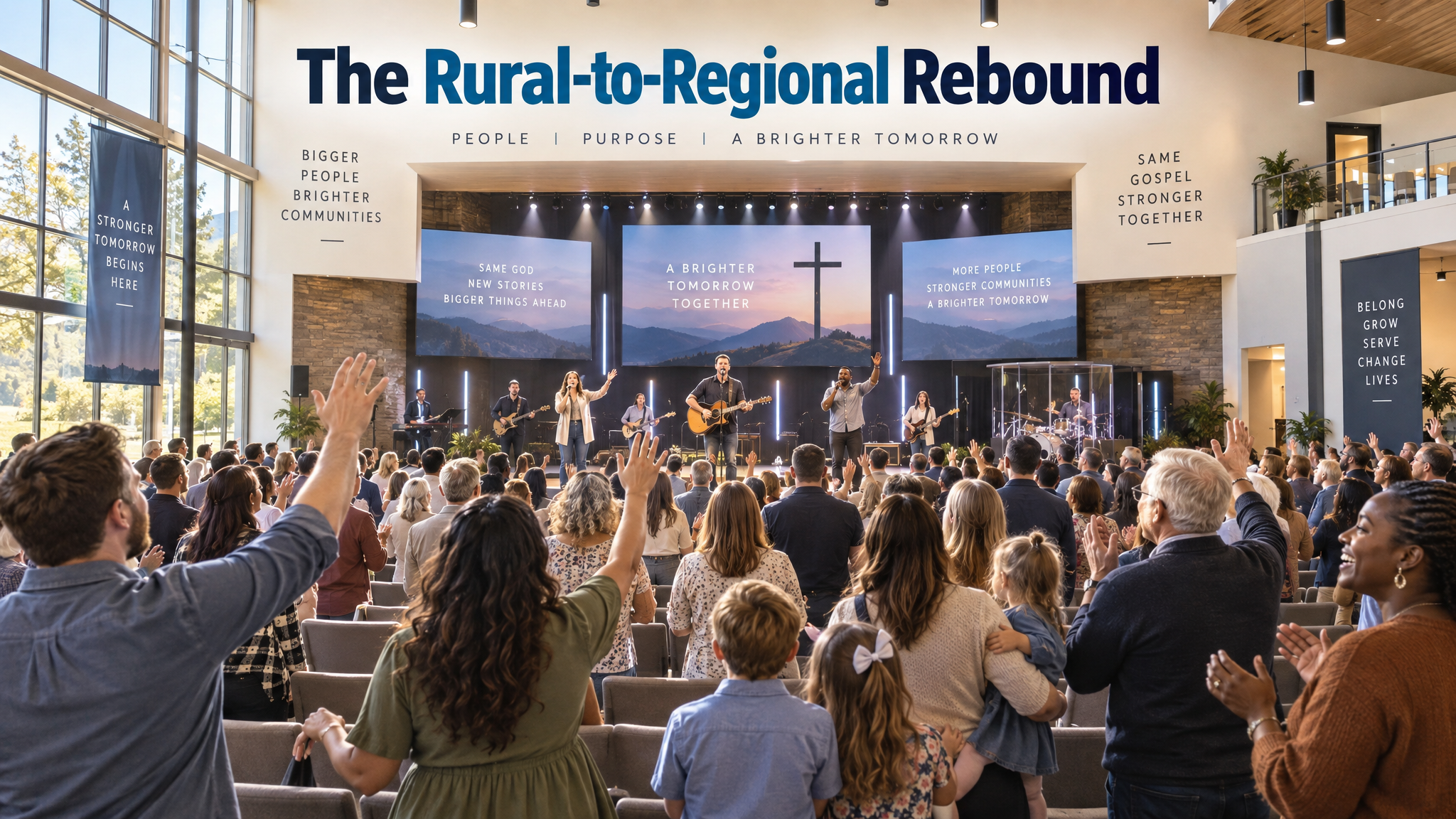
The Rural-to-Regional Rebound: A Case Study on Scaling Sustainable Church Growth Through Digital Integration at Northwood Community Church

Discipleship
The Discipleship Engine: A How-To Guide for Designing Scalable Micro-Group Ecosystems for Sustainable Spiritual Formation
Explore FaithBridge