Church Management Software for Small Churches: A Practical Buyer's Guide

Small churches have the most to gain from good software and the least time to waste on the wrong one. With limited staff and volunteer-run operations, the right church management software for small churches should feel less like enterprise software and more like a helpful extra pair of hands. This buyer's guide covers exactly what to look for.
For the full category overview — features, types of platforms, and how to choose — start with our guide to church management software.
Why small churches benefit most
It is tempting to think software is only for big churches, but the opposite is often true. Large churches have staff to manage complexity; small churches rely on a handful of volunteers wearing many hats. Software that keeps members, giving, and events in one accurate, shared place frees those volunteers to focus on people instead of paperwork — and prevents the "only one person knows the system" problem that plagues spreadsheet-run ministries.
What to prioritize
When budget and time are tight, focus on a few things that matter most:
Genuine all-in-one simplicity
You do not want to stitch together five tools. Look for a single platform that handles members, giving, groups, events, and check-in together, so data flows automatically and there is only one login to remember.
Predictable, honest pricing
Avoid platforms that lure you with a low base price, then charge extra for the giving, check-in, or communication features you actually need. Look for flat or gently tiered pricing that will not punish you for growing. Compare transparent plans on the pricing page.
Volunteer-friendly design
Your Sunday team may change week to week. The software must be simple enough that a new volunteer can run check-in or look up a member without training. If it needs a manual, it is the wrong fit.
Room to grow
Choose a platform that fits today but can scale as you add members and ministries, so you are not forced into a painful migration in two years.
What to avoid
A few common traps cost small churches time and money:
- Feature overload. Enterprise platforms built for multi-site megachurches can overwhelm a small team. More features are not better if no one uses them.
- Hidden fees. Watch for per-module add-ons and high online giving transaction fees that quietly inflate the real cost.
- Poor data ownership. Make sure you can export your members and giving history at any time.
- Weak support. Small teams need responsive help, especially during setup and the first few Sundays.
From spreadsheets to software: a common story
Consider a church of 90 people run entirely by volunteers. Attendance lived in one spreadsheet, giving in another, and the youth group roster in a third — each maintained by a different person, none of them in sync. When the volunteer who "owned" the giving file stepped back, the church nearly lost a year of records. Moving to a single all-in-one platform did not just tidy the data; it removed the single point of failure. Any authorized volunteer could now look up a member, log giving, or check attendance from one place. This story repeats in small churches everywhere, and it is the clearest argument for consolidating onto one system before growth makes the tangle worse.
A simple selection process
Keep it lightweight. List the two or three problems you most need to solve, shortlist one or two all-in-one platforms, and run a real free trial with your own data. A 14-day trial with no credit card required — like the one FaithBridge offers — lets your actual volunteers test check-in and giving before you commit a dollar.
Making the switch without the stress
The idea of moving off spreadsheets can feel daunting for a small team, but it does not have to be. Start by exporting your current member list and cleaning out duplicates and outdated entries. Import in stages — people first, then giving history — and lean on the platform's support team during setup. Pick a quiet week to go live, train two or three key volunteers, and let them help everyone else. Within a month, the new system usually feels far easier than the tangle it replaced.
Growing into your software
A good platform meets you where you are and grows with you. As your church adds a second service, a youth ministry, or more volunteers, the same system scales without a painful migration. Choosing well once — with room to grow — saves you from repeating this decision every couple of years.
Getting started
The best church management software for small churches is simple, affordable, all-in-one, and easy enough for any volunteer to run. Match those priorities to a real trial and you will find a tool that serves your congregation for years. Read the complete church management software guide for the full picture, or start your free trial and see how FaithBridge fits your church.
Frequently asked questions
Do small churches really need church management software?
Once you are tracking more than a few dozen people, giving, and events, spreadsheets become error-prone and hard to share. Affordable all-in-one software saves volunteer time and keeps records accurate as you grow.
What should a small church budget for church management software?
Many small churches spend roughly $40 to $130 per month for an all-in-one platform. Prioritize predictable pricing that does not spike as you add members, and watch online giving transaction fees.
Related articles

Church Management
The Administrative Architecture: 10 Strategic Frameworks for Scaling Sustainable Operations in High-Growth Faith Communities
Church Growth
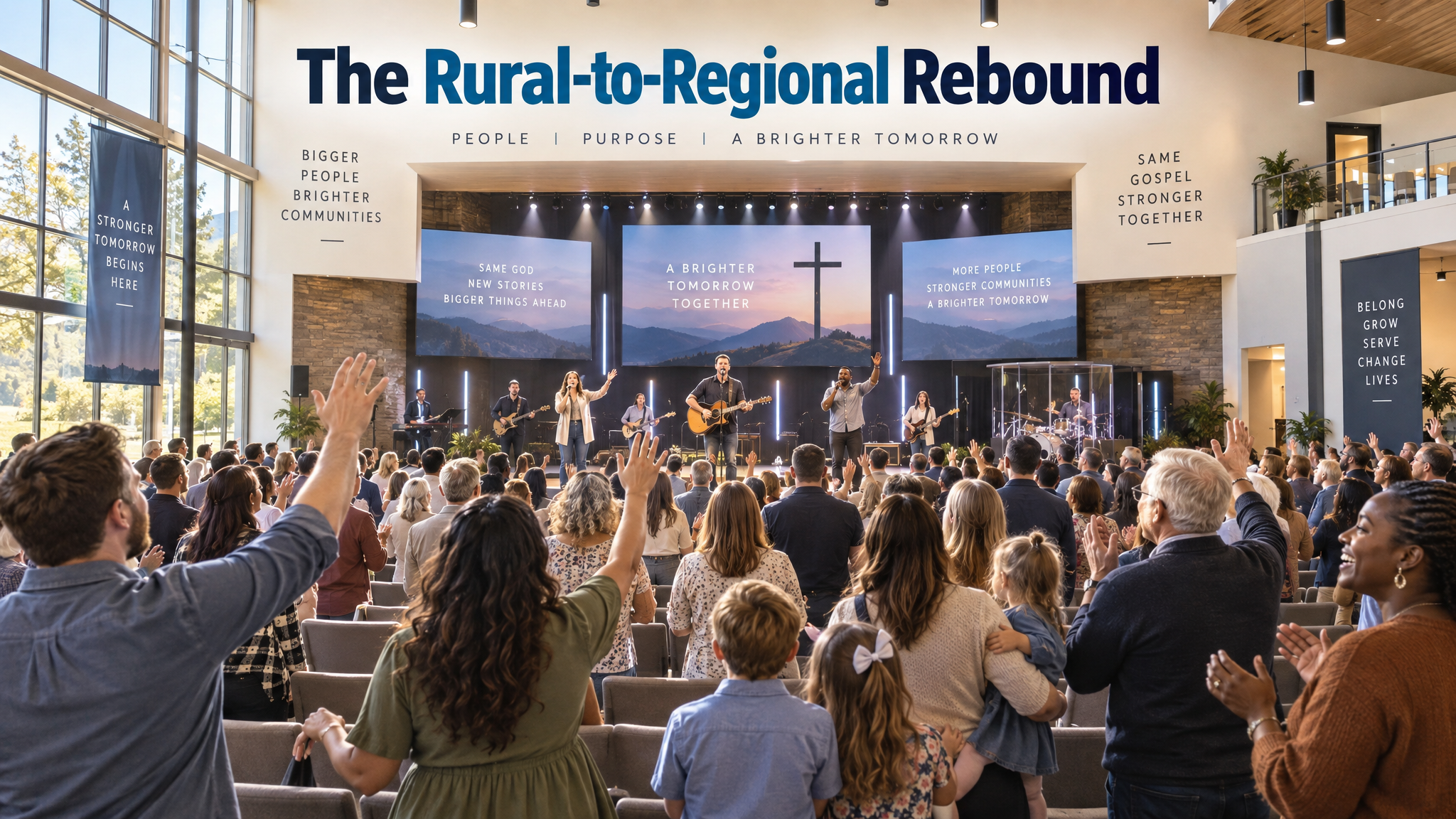
The Rural-to-Regional Rebound: A Case Study on Scaling Sustainable Church Growth Through Digital Integration at Northwood Community Church

Discipleship
The Discipleship Engine: A How-To Guide for Designing Scalable Micro-Group Ecosystems for Sustainable Spiritual Formation
Explore FaithBridge