Native vs. Integrated: A Strategic Comparison of Church Tech Stacks

Native vs. Integrated: A Strategic Comparison of All-in-One Church Management Systems and Specialized Tech Stacks
In the rapidly evolving landscape of the 21st-century ministry, technology has transitioned from a luxury to the very bedrock upon which scalable impact is built. As churches grow and their needs become more complex, leadership teams inevitably face a pivotal crossroads: Should we adopt a single, "all-in-one" Church Management System (ChMS) that promises to handle everything from giving to check-ins, or should we curate a "best-of-breed" specialized tech stack where every tool is a master of its domain?
This decision is not merely about software; it is about the operational philosophy that will govern your ministry's ability to scale, engage, and sustain growth in the digital age. In this comparison, we will dive deep into both approaches, weighing their impact on efficiency, user experience, and long-term sustainability.
The Case for the All-in-One ChMS: Simplicity and Synergy
The "all-in-one" solution is the enticing promise of a "single pane of glass." These platforms—such as Planning Center, Church Community Builder (CCB), or Breeze—aim to centralize every aspect of church operations into one ecosystem.
Unified Data Architecture
The most significant advantage of an all-in-one system is the integrity of your data. When your giving platform, volunteer scheduling, and member database live in the same house, you eliminate the "silo" problem. You don't have to worry about whether a new donor's contact information has been updated in the mailer list because there is only one list. This unified architecture allows for powerful cross-functional reporting. You can easily see, for example, the correlation between small group attendance and giving trends without exporting three different CSVs and spending hours in Excel.
Simplified User Training
For staff and volunteers, the learning curve is often shorter with a single platform. Once they understand the interface and navigation of the ChMS, that knowledge transfers across different modules. The admin who handles room reservations uses the same login and similar dashboard layouts as the volunteer coordinator. This consistency reduces cognitive load and allows for smoother cross-training within the team.
Cost Predictability and Procurement
Managing one vendor relationship, one contract, and one annual invoice is inherently simpler than juggling half a dozen subscriptions. All-in-one providers often offer tiered pricing that scales with your congregation size, making budget projections relatively straightforward.
The Specialized Tech Stack: The Power of Best-in-Breed
On the other side of the debate is the specialized tech stack. This approach prioritizes excellence in specific functions by choosing the top-performing tool for each need—such as Subsplash for your app, Mailchimp for email marketing, and Pushpay for giving—and then connecting them via integrations (often through Zapier or native APIs).
Unparalleled Functionality
The reality of all-in-one systems is that they are rarely world-class in every module. They might have a great member database but a mediocre email tool, or a functional giving platform that lacks the advanced recurring gift features of a specialized provider. A specialized stack allows you to choose the absolute best tools for your specific ministry goals. If your church is heavily focused on digital outreach, you might need a CRM like HubSpot that offers marketing automation far beyond what a standard ChMS provides.
Agility and Innovation
Specialized tools often iterate faster. Because a company like GiveButter focuses exclusively on generosity and giving, their engineering resources are dedicated to perfecting that one experience. When new payment technologies or social giving trends emerge, specialized tools are usually the first to implement them. An all-in-one platform must balance development across twenty different modules, often leading to slower innovation in any single area.
Risk Mitigation through Decentralization
While "one throat to choke" is a common argument for all-in-one systems, it is also a single point of failure. If your all-in-one provider suffers a major outage or a security breach, your entire ministry operation shuts down. In a specialized stack, an issue with your email provider doesn't stop you from checking in children or processing tithes.
A Comparative Analysis: Five Key Dimensions
To help you decide which path is right for your church’s current stage of growth, let’s compare them across five critical dimensions.
1. Integration Friction
- All-in-One: Near zero friction. Data flows natively between modules.
- Specialized: Variable friction. Requires intentional setup of APIs or third-party tools like Zapier. Can lead to "data drift" if integrations fail.
2. User Experience (Staff vs. Congregant)
- All-in-One: High consistency for staff, but the congregant-facing experience can sometimes feel "bolted on" or less polished than specialist apps.
- Specialized: Staff may have to hop between tabs, but the congregant experience is often superior because every touchpoint (the app, the giving page, the newsletter) is designed by specialists for high engagement.
3. Reporting and Insights
- All-in-One: Superior for broad, cross-module reporting. Harder to get deep, granular analytics on specialized behavior.
- Specialized: Deep data on specific actions (e.g., email open rates, giving frequency analysis), but building a unified "360-degree view" of a member requires advanced data warehousing or manual effort.
4. Technical Overhead
- All-in-One: Low. The vendor handles all back-end connections.
- Specialized: Moderate to High. Requires someone (staff or contractor) to manage the "glue" between systems and ensure data remains healthy across platforms.
5. Long-term Scalability
- All-in-One: Scales well up to a point, but you may eventually outgrow the specific capabilities of one module. Switching to a new system is a massive, painful undertaking.
- Specialized: Highly scalable. You can swap out your email provider for a more robust one as you grow without touching your database or giving systems.
Selecting the Right Path for Your Ministry
So, how do you choose? There is no one-size-fits-all answer, but there are directional indicators.
Choose an All-in-One ChMS if:
- You have a small staff team that needs to minimize administrative complexity.
- Your primary goal is data centralization and simple, unified reporting.
- You prioritize ease of use and a lower total cost of ownership over specialized features.
- You are in an early to mid-growth stage where standard features meet 90% of your needs.
Choose a Specialized Tech Stack if:
- You have a high-tech staff or access to reliable IT/Data contractors.
- Specific ministry departments (like Creative or Giving) have unique, high-level requirements that generalist tools can't meet.
- You prioritize the best possible congregant experience at every digital touchpoint.
- You are a large or rapidly growing multi-site church that needs industrial-strength tools for marketing, giving, and engagement.
The Hybrid Alternative: The Modern Middle Ground
In recent years, a third path has emerged: the integrated core. Many modern all-in-one systems are opening their APIs, allowing you to keep your database and core operations in one platform while plugging in specialized tools for giving or communications. This hybrid approach offers the data integrity of a central hub with the power of specialized limbs.
At FaithBridge, we believe that the technology you choose should never be a bottleneck to your mission. Whether you opt for a unified ecosystem or a bespoke stack, the goal is administrative stewardship—freeing your team from the machine so they can focus on the people.
Conclusion
The debate between all-in-one and specialized tech is ultimately a debate about priorities. The all-in-one approach offers the peace of mind that comes with simplicity and synergy. The specialized stack offers the power of precision and performance.
As you evaluate your technology future, look not just at where your church is today, but where you believe God is leading you in the next three to five years. If you anticipate rapid multi-site expansion, the flexibility of a specialized stack might be worth the extra technical overhead. If you are focused on stabilizing your current operations and reducing staff burnout, the simplicity of a unified ChMS could be your greatest asset.
Ready to build a technology ecosystem that actually supports your growth? FaithBridge is here to help you navigate the complexities of church technology, providing the insights and frameworks you need to lead with confidence in a digital world.
Taking the Next Step
- Audit your current tools: List every software subscription your church uses. Where is the overlap? Where is the friction?
- Gather staff feedback: Ask your team where they spend the most time on manual data entry or technical workarounds.
- Define your "Must-Haves": Identify the 2-3 functions that are most critical to your mission and prioritize excellence in those areas.
Frequently asked questions
What is an all-in-one Church Management System (ChMS)?
An all-in-one ChMS is a single software platform designed to handle all aspects of church operations, including member databases, giving, scheduling, and communications, in one unified ecosystem.
What are the benefits of a specialized tech stack for churches?
A specialized stack allows a church to use the best available tool for every specific function, such as specialized software for email marketing, online giving, or volunteer management, which often leads to better features and innovation.
How do I know if my church has outgrown our current technology?
Signs include high manual data entry across systems, lack of integrated reporting, staff burnout due to technical friction, and a congregant experience that feels outdated or disjointed.
Is a hybrid technology approach possible for churches?
Yes, many churches use a hybrid model where a central ChMS handles the core database while integrating with specialized third-party tools via APIs for high-impact functions like giving or marketing.
Related articles

Church Technology
The Artificial Intelligence Advantage: 7 Strategic Use-Cases for Empowering Small-Team Ministry Operations
Church Growth
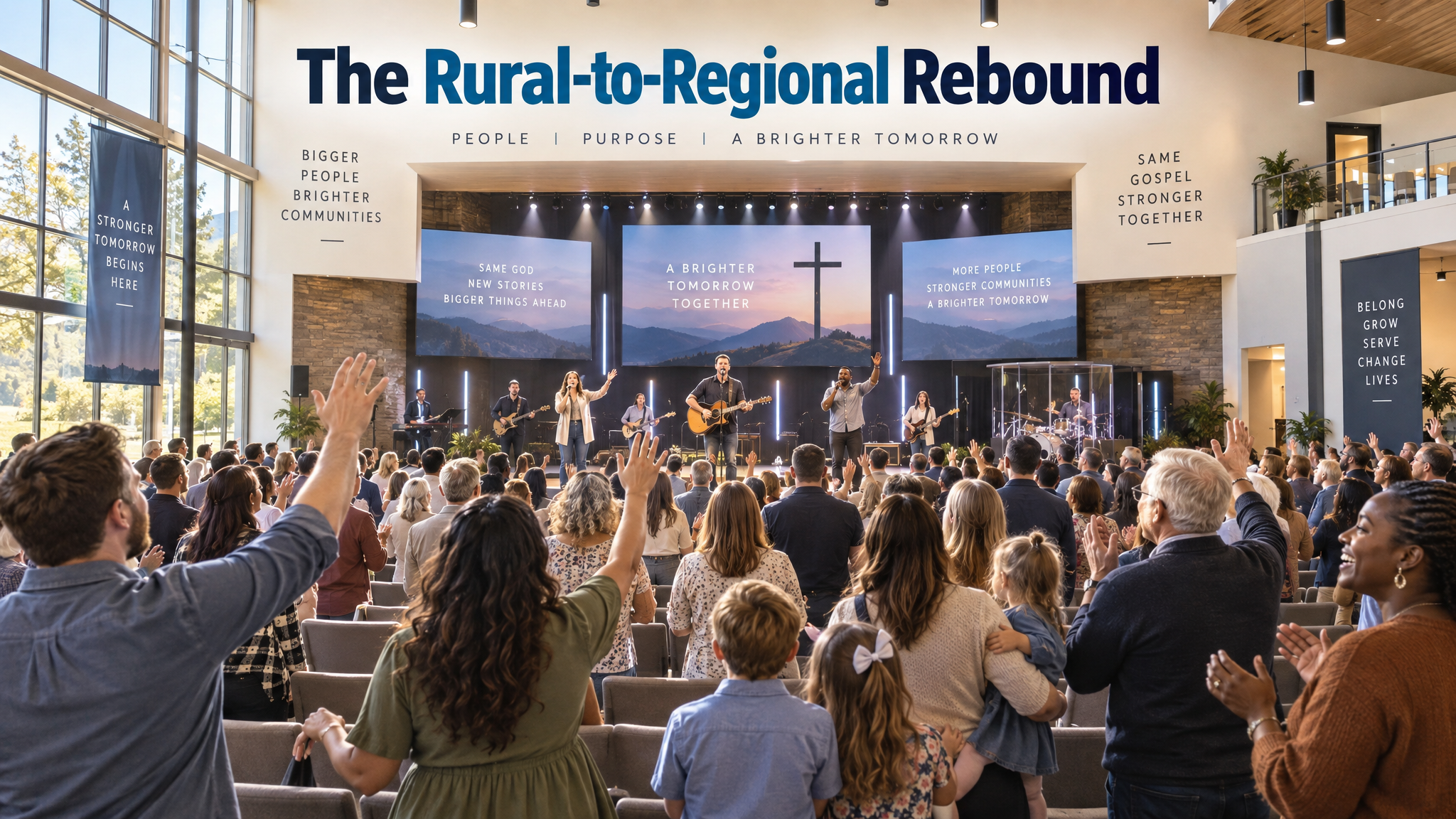
The Rural-to-Regional Rebound: A Case Study on Scaling Sustainable Church Growth Through Digital Integration at Northwood Community Church

Discipleship
The Discipleship Engine: A How-To Guide for Designing Scalable Micro-Group Ecosystems for Sustainable Spiritual Formation
Explore FaithBridge