The Automation Advantage: A How-To Guide for Building Scalable Church Ecosystems Through Administrative Stewardship

The Administrative Bottleneck: Why Automation is the Key to Reclaiming Your Ministry
In the modern church environment, the demand for meaningful connection and spiritual guidance has never been higher. Yet, for many pastoral and administrative leaders, the reality of daily ministry is often overshadowed by a mountain of paperwork, manual data entry, and repetitive administrative tasks. The "ministry of presence" is frequently sacrificed on the altar of "ministry of logistics." This is what we call the administrative bottleneck—a state where the systems designed to support church growth actually become the very things that stifle it.
The stewardship of time is perhaps the most overlooked discipline in church leadership. While we focus heavily on financial stewardship, the way we manage our organizational hours determines the ceiling of our impact. If your staff is spending 20 hours a week manually updating spreadsheets or chasing down volunteer signatures, those are 20 hours stolen from discipleship, counseling, and vision-casting.
The solution isn't just to work harder; it's to work smarter through automation. Automating church administrative workflows isn't about removing the "human touch" from ministry—it's about removing the "human friction" that prevents that touch from happening. By leveraging modern Church Management Systems (ChMS) and integrated automation tools, your church can build a scalable infrastructure that grows alongside your congregation.
Identifying Your Automation Opportunities: Finding the High-Friction Zones
Before you can automate, you must audit. Not every task is a candidate for automation, and attempting to automate personal pastoral care can actually be counterproductive. The key is to identify high-frequency, low-variance tasks that consume significant staff time.
The Paperwork Audit
Start by looking at your current paper-based processes. Are you still using physical sign-up sheets for events? Are volunteer applications returned via hard copy and then manually typed into a database? These are prime candidates for immediate automation. Digital forms with automated workflows can instantly route information to the correct department, update member profiles, and trigger follow-up communications without a single manual keystroke.
The Communication Loop
Think about the repetitive emails your staff sends. Welcome emails to new visitors, reminders for volunteer shifts, and follow-ups for giving statements are tasks that follow a predictable pattern. If a staff member is manually drafting and sending these, your church is losing hours of productive ministry time every week.
Data Synchronization
One of the most significant time-wasters in church administration is double data entry. If you use one system for event registration and another for your main member database, and a third for your accounting, the manual synchronization between these platforms is a recipe for error and inefficiency. Automation allows these systems to "talk" to one another in real-time.
Building the Automation Architecture: A Step-by-Step Implementation Guide
Transitioning to an automated workflow requires a strategic approach. It’s not about buying every tool on the market; it’s about creating a cohesive ecosystem where technology serves the mission.
Step 1: Centralizing the Source of Truth
Automation fails when data is fragmented. The first step is to ensure your Church Management System (ChMS) is your "single source of truth." All automation workflows should either originate from or report back to this central database. Whether a person gives online, signs up for a small group, or checks their children in on Sunday, that data must flow into one unified profile.
Step 2: Mapping the Member Journey
To automate effectively, you must understand the path a person takes through your church. Map out the "New Visitor Workflow," for example. When a person fills out a digital connection card, what is the ideal next step?
- An immediate thank-you text.
- An email from the lead pastor the following morning.
- A notification to the hospitality team to prepare a welcome gift.
- An automated reminder for the visitor to attend the "Next Steps" class in two weeks. By mapping this journey, you can build the automation triggers that ensure no one falls through the cracks.
Step 3: Implementing Trigger-Based Workflows
A "trigger" is the action that starts the automation. An "action" is what happens as a result. For instance:
- Trigger: A new volunteer application is submitted.
- Action: An background check request is automatically sent to the applicant.
- Action: A notification is sent to the department head to schedule an interview.
- Action: A "Volunteer Foundations" video series is emailed to the applicant.
Scaling Your Impact: The Long-Term Benefits of Administrative Efficiency
When your administrative workflows are automated, the ripple effect throughout the organization is profound. It’s not just about saving time; it's about changing the culture of your leadership.
From Reactive to Proactive Ministry
When staff members aren't bogged down by the "crisis of the day" (like a missing spreadsheet or a forgotten email), they can move into a proactive posture. They can focus on building relationships, developing leaders, and dreaming about the future of the ministry. Automation creates the margin necessary for innovation.
Consistency and Excellence
Humans are prone to forgetfulness, especially under the pressure of ministry. Automation never forgets. An automated system will send the new visitor email every single time, without fail. This level of consistency builds trust with your congregation and ensures that your church's "brand" is one of excellence and care.
Data-Driven Decision Making
Automated systems capture data effortlessly. Instead of guessing how many people attended your recent outreach event, your system can tell you exactly who was there, their demographic breakdown, and how many of them have since engaged in other church activities. This data allows you to make informed decisions about where to invest your resources for the greatest kingdom impact.
Overcoming the Hurdles: Managing the Transition to Automated Systems
We recognize that the shift toward automation can feel daunting, especially in a ministry context where relationships are the top priority. However, the transition can be managed with care and intentionality.
Addressing the "Robotic" Fear
Some leaders fear that automation will make the church feel cold or impersonal. However, the opposite is true. By automating the routine, you free up your people to be more personal. A pastor who isn't spent two hours on administrative tasks is a pastor who has the emotional energy to be fully present in a counseling session.
Training and Adoption
The best automation tools are useless if the staff doesn't know how to use them. Invest time in training and ensure that everyone understands the "why" behind the technology. When the team sees how automation reduces their stress and amplifies their impact, adoption follows naturally.
Conclusion: The Mandate for Modern Stewardship
Stewardship is about maximizing the resources God has entrusted to us. In the 21st century, those resources include technology and time. To continue using outdated, manual processes is to poor stewardship of the people and the moments we are called to shepherd.
By reclaiming your time through administrative automation, you aren't just improving your operations; you are expanding the capacity of your church to reach the lost and disciple the found. The goal of automation is never to replace people—it is to empower them to do the work they were uniquely created to do.
Take the Next Step with FaithBridge
Are you ready to break through the administrative bottleneck and experience the freedom of automated ministry? FaithBridge is designed to be the engine behind your church’s growth, offering integrated tools that streamline your workflows and amplify your impact. From visitor follow-up to volunteer management and secure giving, FaithBridge handles the logistics so you can focus on the heart of ministry.
Start your journey toward a more efficient, scalable, and impact-oriented church today. Visit the FaithBridge dashboard to learn more about our administrative automation features.
Frequently asked questions
What are the first steps to automating church workflows?
Start with an audit of high-friction areas like paper sign-ups, visitor follow-ups, and repetitive emails, then choose a central platform like FaithBridge to serve as your single source of truth.
Will automated emails feel impersonal to my congregation?
On the contrary, automation ensures every person is acknowledged promptly and consistently, while freeing your staff to engage in deeper, one-on-one relational ministry.
How do I choose which church management tasks to automate first?
Prioritize high-frequency, low-variance tasks that follow a predictable pattern and currently consume a significant amount of staff or volunteer time.
Does automation require a highly technical staff?
No. Modern church management tools are designed with intuitive interfaces, allowing ministry leaders to build powerful workflows without writing any code.
What is the primary benefit of administrative stewardship?
Administrative stewardship maximizes the organization's capacity for impact by ensuring that staff time is invested in people and vision rather than logistical friction.
Related articles

Church Management
The Administrative Architecture: 10 Strategic Frameworks for Scaling Sustainable Operations in High-Growth Faith Communities
Church Growth
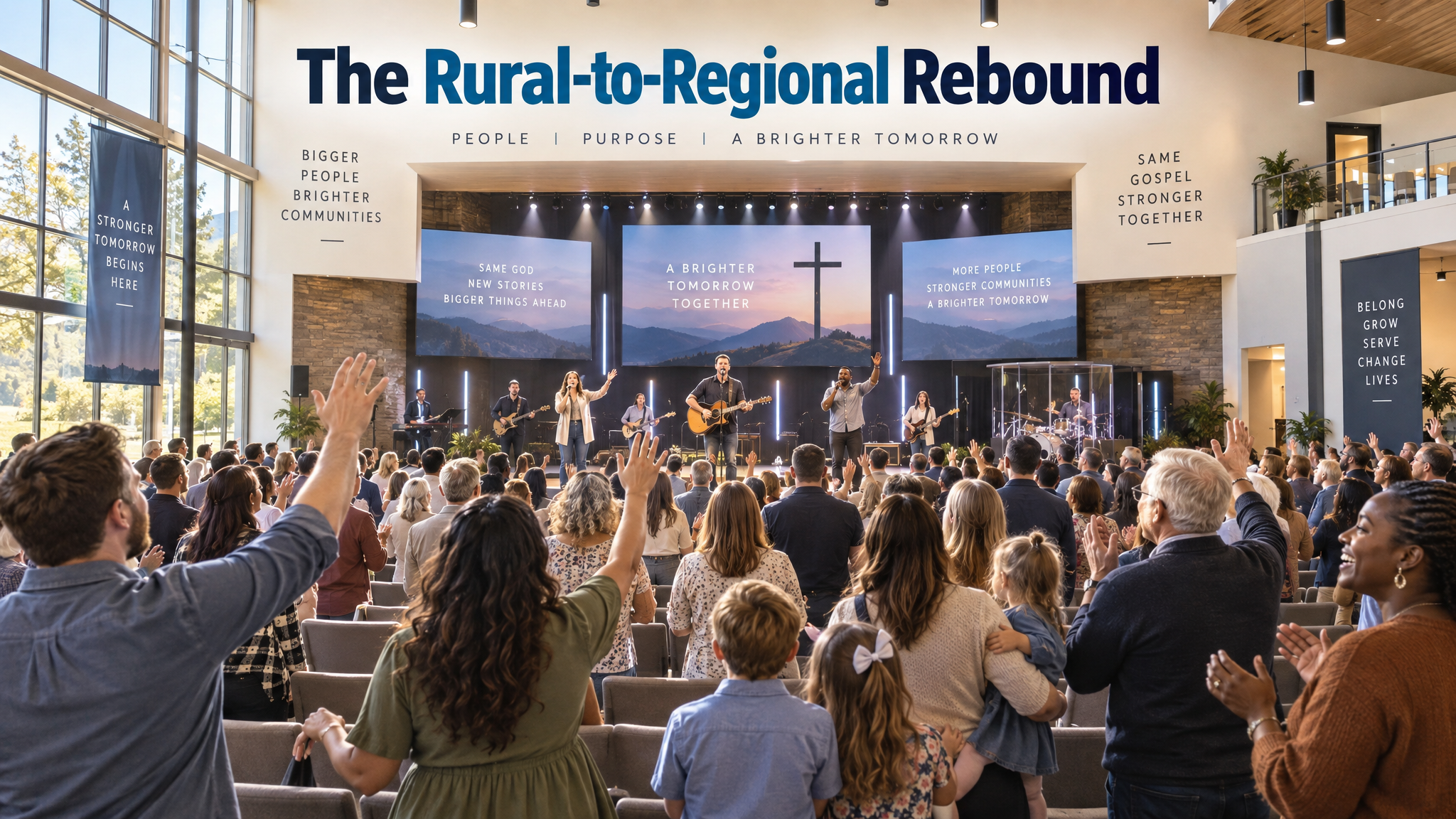
The Rural-to-Regional Rebound: A Case Study on Scaling Sustainable Church Growth Through Digital Integration at Northwood Community Church

Discipleship
The Discipleship Engine: A How-To Guide for Designing Scalable Micro-Group Ecosystems for Sustainable Spiritual Formation
Explore FaithBridge